What One Afternoon of AI-Assisted Google Ads Work Found in a Real Account
 By Jeremy Redlinger
Updated
5 min read
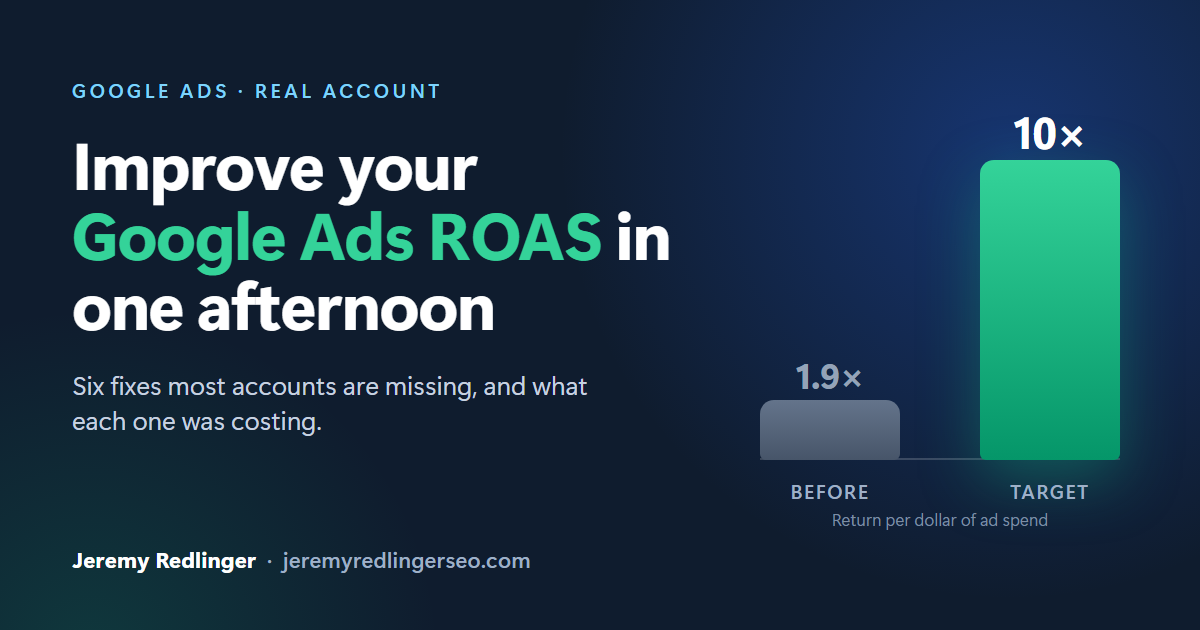
Six things we fixed in one afternoon on a Google Ads account, and what each one was costing
People keep asking me what “using AI” means in practice for Google Ads. So here is one afternoon on a real e-commerce account, told from the owner’s side of the table. Client unnamed, numbers real.
The business sells high-ticket seasonal products online and had one clear goal: ten dollars of sales for every dollar spent on ads. I had just taken on the account. The work below took about four hours, with an AI assistant doing the reading, the math and the clicking, and me making the decisions.
- Budgets that follow your sales, automatically
If your goal is ten dollars back for every one spent, then the right ad budget for any campaign is simple: look at what it sold last week, and spend a tenth of that this week. The problem is nobody has time to do that math for fifty campaigns every Monday.
Now it happens on its own. Every morning a script reviews each campaign’s sales and adjusts its budget twice a week. Campaigns that are selling get more. Campaigns that sold nothing drop to a few dollars a day. The owner gets a short email each morning with yesterday’s spend, sales and return.
One decision came up that only the owner could make. I suggested limiting how much any budget could change at once, as a safety net. The owner’s view was that if sales move fast, the budget should move just as fast. We did it their way. That is the right division of labor.
- The best campaign in the account was being starved
The campaign showing ads to people searching for the business by name was returning nearly eight dollars for every one spent. It was also capped at five dollars a day and missing three out of every four people who searched for the brand.
We tripled its budget and loosened a bidding setting that was telling Google to be timid with the account’s cheapest, most-ready-to-buy traffic. Those customers were already looking for the business. We just stopped turning them away.
The same review found that people on phones were buying at a quarter the rate of people on desktops, from the same brand searches. That is not an ads problem. That is a website problem, and it went on the owner’s list.
- Google was optimizing toward the wrong sales number
The account had two different ways of counting purchases, and they disagreed by about 16%. Google’s automated bidding was using the one that undercounted phone buyers, which meant it was quietly bidding less for exactly the customers the site was losing in point two.
We switched bidding to the more complete count. That one change affects every automated bid in the account from then on. It is the kind of decision I would never let a tool make alone, and the kind I would not have found by hand in an afternoon.
- Fifty-two campaigns, three different goals
Of the 52 product campaigns, only eight were actually aiming at the owner’s ten-to-one target. Eighteen were set to chase order count instead of revenue, and those returned less than two dollars per dollar spent. The rest had no target or an old one left over from an earlier setup.
All 52 now aim at the same number. Along the way the AI caught a mistake in its own work before it went live: a settings quirk would have set every campaign to a target of ten percent instead of ten times. That is why nothing gets applied without a preview first.
We also closed a leak. Twenty-seven regional campaigns were set to show ads to anyone anywhere who had “shown interest” in the target states, not just people located there. Google has no way to fix that in bulk, so the AI went through all 27 one at a time while I did something else.
- Products that advertise themselves
Each campaign was built around a hand-picked list of product codes. When a new size or variant of a product was added, it sat outside every campaign, unadvertised. The owner had also flagged 63 accessories and replacement parts that should never get their own ads. Honoring that by hand would have meant roughly 350 individual edits.
Instead, two columns were added to the product spreadsheet: whether a product advertises, and which product family it belongs to. Campaigns now read those columns. A new variant joins its family automatically. Pulling a product for the off-season is one cell change, not an hour in the ads interface.
- A weekly check so the account keeps up with what is selling
Every Monday a report now looks at every product. Products with their own campaign that have stopped selling get flagged, and after three quiet weeks it recommends folding them back into the general campaign. Products inside the general campaign that start selling well get flagged as ready for their own campaign.
It recommends. It does not act. But the structure of the account now gets compared against actual sales every week without anyone having to remember.
What this adds up to
Nothing here is a secret strategy. An experienced ads manager would look at every item and say “yes, that needs doing.” The difference is that all of it got done in one afternoon instead of being spread across months of “I’ll get to that,” and the owner was only pulled in for the handful of decisions that were genuinely theirs to make.
The AI reads everything, runs the numbers across all the campaigns at once, drafts the change and shows me a preview. I decide. It applies the change and shows me the result. When the preview is wrong, as it was twice that day, it shows up on my screen, not on the client’s bank statement.
If you spend money on Google Ads and want to know what your account would look like after an afternoon like this, that is a conversation I am happy to have.